
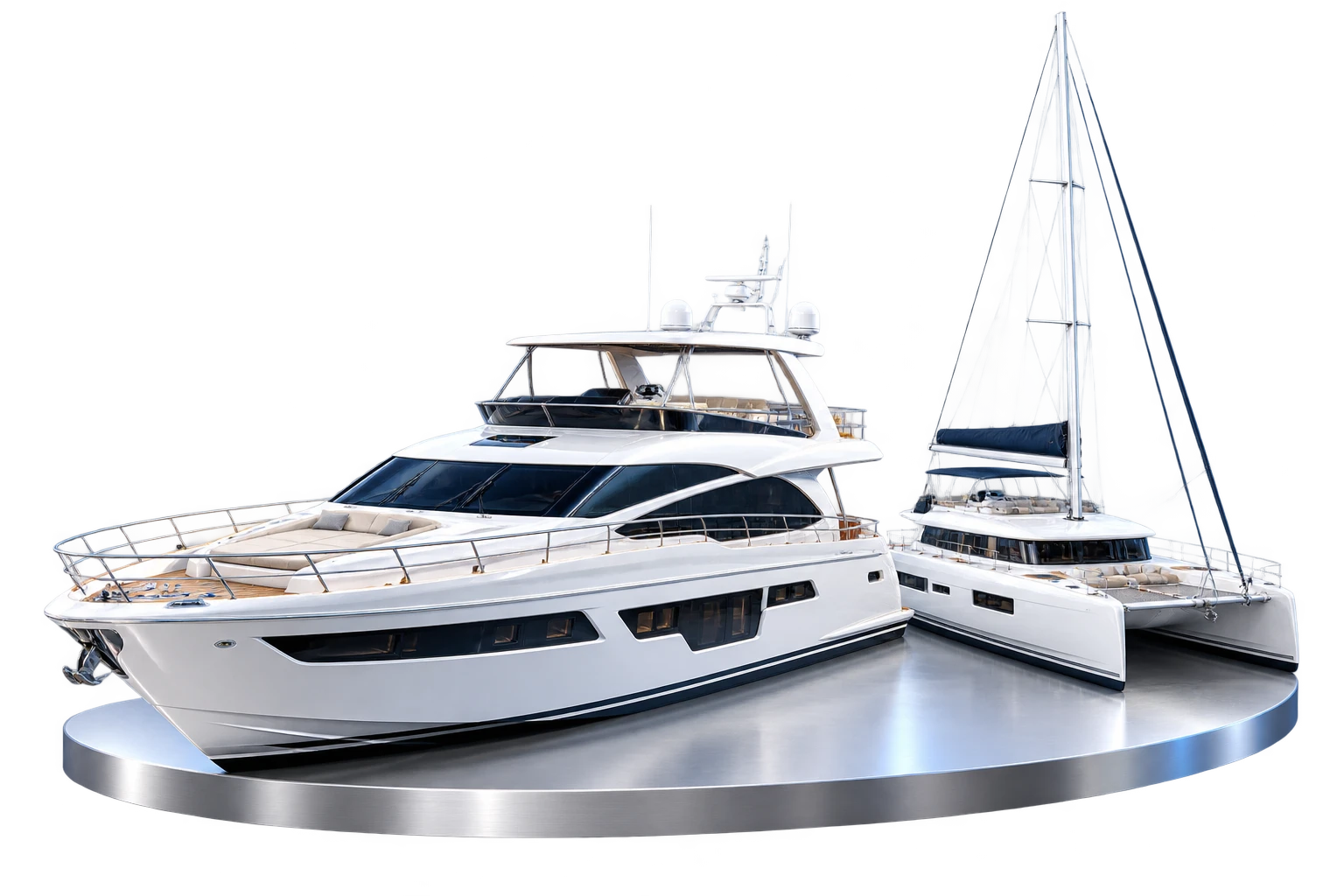
01
Brokers & dealers
Represent owners’ yachts and your own inventory. Keep specifications, prices and buyer enquiries close at hand.
Explore yachts for saleVälittäjille ja telakoille · Telakka · Charter companies
Your fleet, listings and customer enquiries in one workspace. For sale, charter or both together.
Start with a profile and draft. Go live after review.
From a single vessel to your own fleet. Choose the professional profile that fits your business.
Represent owners’ yachts and your own inventory. Keep specifications, prices and buyer enquiries close at hand.
Explore yachts for saleList new yachts with the equipment, photos and specifications of each vessel. Verify your business as a yacht builder.
Builders on BoatsOceanAdd yachts and departure bases. Set weekly rates, costs, rules and available dates for each charter offer.
Explore yacht charterAdd vessel details once. Sale and charter share one yacht profile, with separate terms for each offer.
Set the asking price, charter rate, deposit and additional costs. Clients can review the details before enquiring.
Each enquiry has the context of a listing. Reply to buyers, update statuses and add notes to sale enquiries.
Confirm your business and authority to represent the vessel. Follow profile and listing review statuses in your workspace.
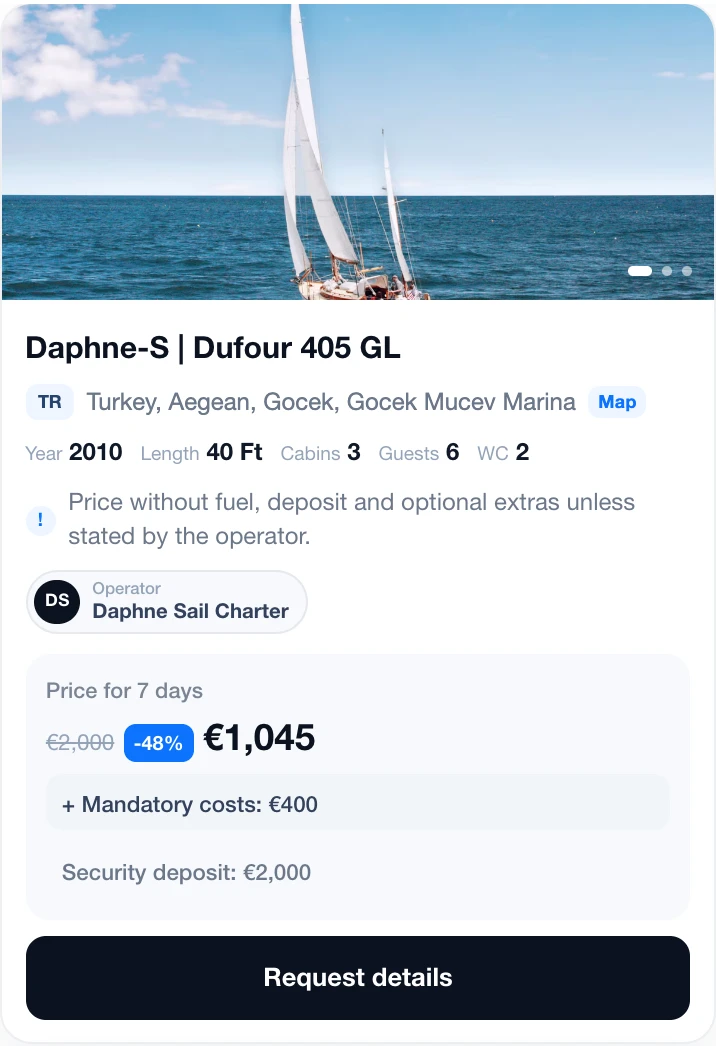
Buyers need specifications and an asking price. Charter guests need a base, dates and terms. Each offer has the details that matter.
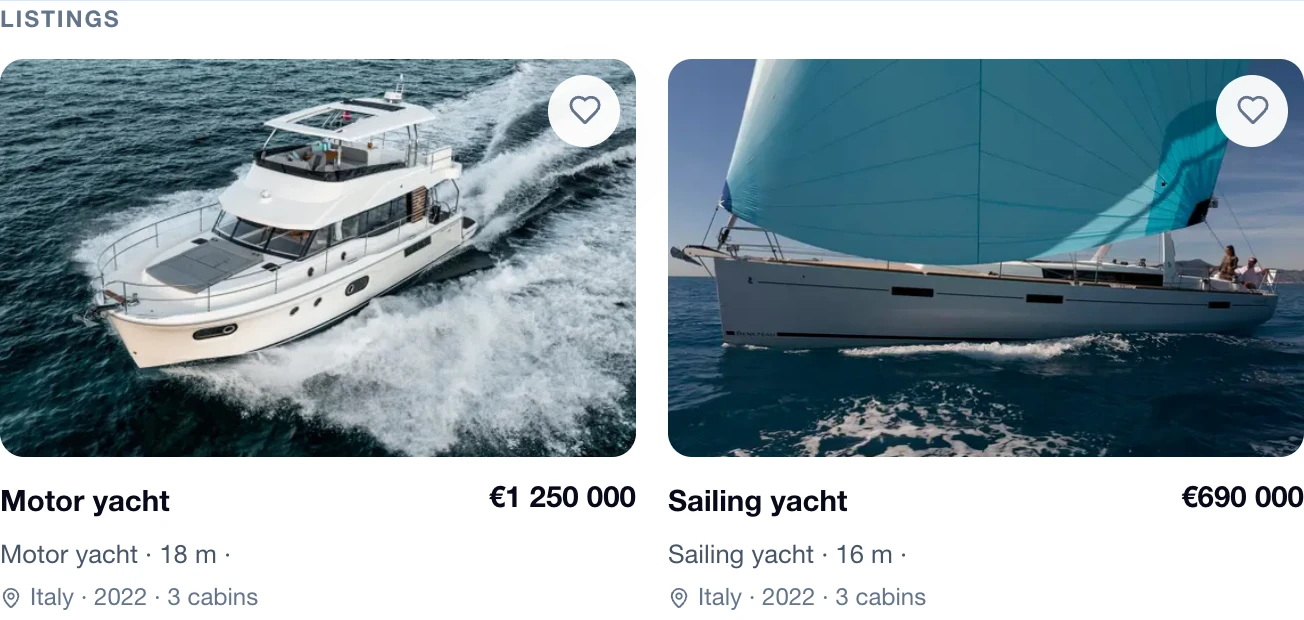
Sale
Vuokraa
Clear termsWeekly rate, costs and deposit are shown separately.
Control over datesManage available periods and blocked dates in the calendar.
Add vessels, update photos and specifications, save drafts and submit offers for review.
Replies, statuses and notes for sale enquiries. Saved templates help you respond to recurring questions.
Availability calendars and date blocks. The operator confirms each enquiry after agreeing the terms.
Additional options
For sale listings, you can request a promoted placement. Available options depend on your active seller package.
View terms in your workspaceTerms and prices are shown in your workspace. Promotion starts after review and is available for sale listings.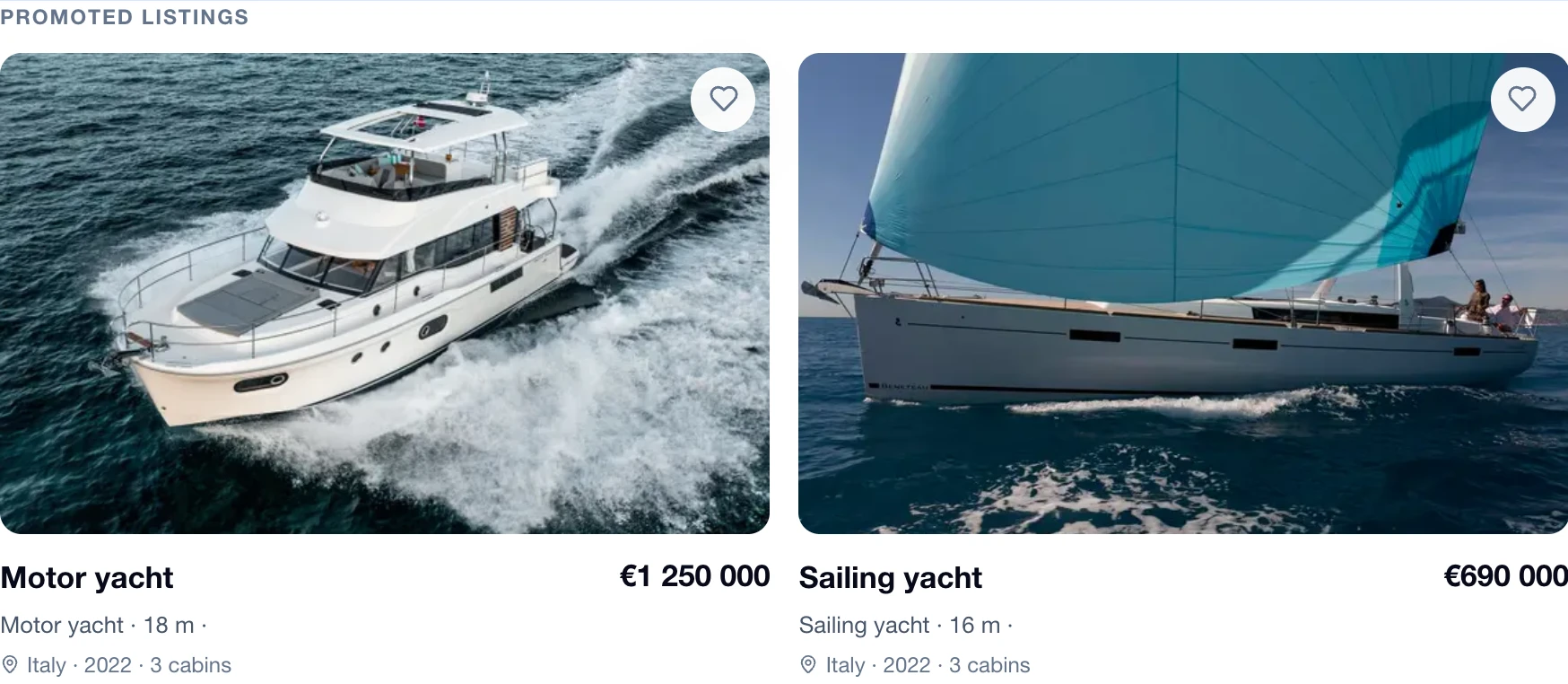
Start with what you have. The wizard saves a draft in this browser, so you can add missing details later.
Choose sale or charter. After registration, you return to the listing setup.
Select your professional role and enter your business details. Prepare proof of authority to represent the yachts.
Upload at least 5 photos, specifications and offer terms. Add a departure base for charter.
Once approved, the offer appears in the catalogue. Follow its status and enquiries in your workspace.
Brokers, dealers, builder representatives and charter operators. Choose your professional role and verify your business and authority to list yachts. Private owners can also list their yacht through the standard setup wizard.
Yes. Your workspace has a fleet section, with separate offers for each vessel. Check your seller package limits and terms in the workspace before listing.
Yes. One yacht profile holds the photos and specifications. Sale and charter are enabled separately, each with its own price, terms and status. Charter also has a departure base, calendar and rules.
Charter works by request: you confirm the client’s enquiry, availability and final price. The calendar helps show open periods and block unavailable dates.
Prepare business details and proof of authority to represent the yacht. A listing needs at least 5 photos, specifications and offer terms. Charter also requires a departure base, operator contacts, weekly rate, mandatory costs, deposit and rules.
Current packages, limits and prices are shown in your workspace. Additional promotion is available for sale listings with an active seller package. Choose an available option and submit a request; placement begins after review.
BoatsOcean for business
Choose how you want to list and create your business profile.
Osa toimituksellisesta sisällöstä ja palveluntarjoajien kuvauksista näytetään alkuperäiskielellä.